Creating an organized and efficient home workspace is essential for staying focused and productive, especially as more people work remotely or pursue creative projects at home. A clutter-free environment can reduce stress, save time, and help you maintain clear mental space to tackle your tasks. In this post, we’ll explore practical tips to help you set up and maintain a workspace that promotes efficiency and calm.
Why Organizing Your Workspace Matters
An organized workspace isn’t just about aesthetics — it directly impacts how well you work. Clutter can be distracting, cause stress, and make it harder to find what you need quickly. By organizing your workspace, you can:
– Improve focus and concentration
– Save time searching for materials
– Create a professional feel that motivates you
– Reduce stress and distractions
Step 1: Choose the Right Space
The first step in setting up your workspace is selecting an ideal location in your home. When choosing a space, consider:
– Natural light: Position your desk near a window if possible to take advantage of natural light.
– Quiet environment: Find a spot that minimizes noise and interruptions.
– Comfort and ergonomics: Make sure there’s enough room for your chair, desk, and equipment with good posture support.
Step 2: Declutter and Remove Unnecessary Items
Before arranging your workspace, clear out everything and decide what you really need. Follow these tips:
– Sort items into categories: Keep, donate, recycle, or discard.
– Limit personal items: Keep only a few meaningful items to avoid distractions.
– Remove duplicate tools: One good pen is better than a drawer full of dried ones!
A clean slate makes it easier to create an efficient setup.
Step 3: Invest in Functional Storage Solutions
Storage helps keep your workspace tidy and items easy to find. Consider:
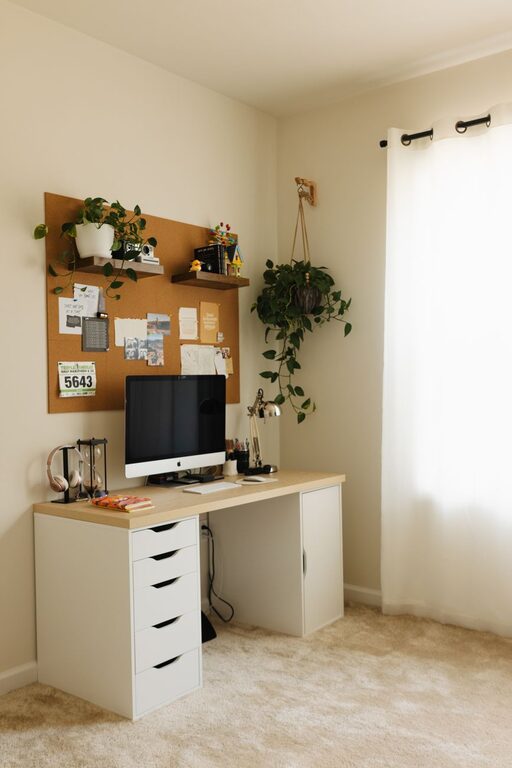
– Desk organizers: Use trays, cups, or small bins for pens, paper clips, and sticky notes.
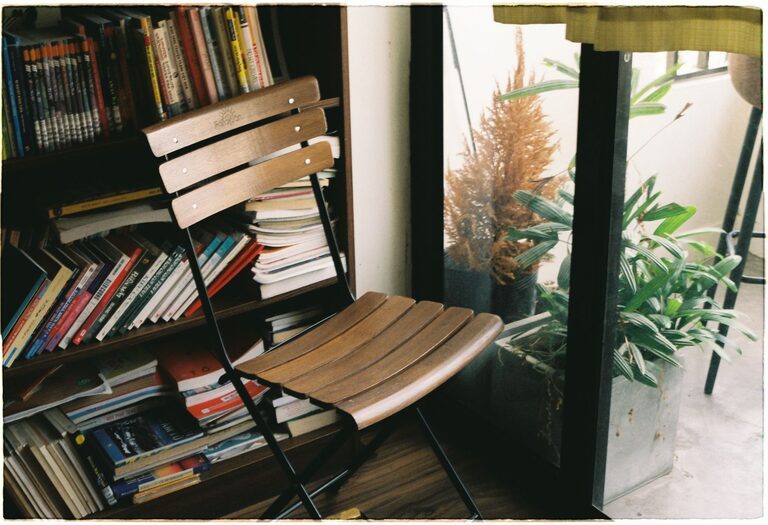
– Shelving units: These can hold books, files, or supplies without cluttering your desk.
– File folders and binders: Use labeled folders for papers and documents.
– Drawer dividers: Keep small tools sorted and easy to access.
Choose storage options that fit your space and workflow.
Step 4: Optimize Your Desk Setup
Arranging your desk thoughtfully can enhance both comfort and productivity.
– Keep frequently used items within arm’s reach: Place your mouse, notepad, or phone where you can easily grab them.
– Create zones: Designate areas for specific tasks, like writing, computer work, or phone calls.
– Limit desktop items: A mostly clear desk helps reduce distractions.
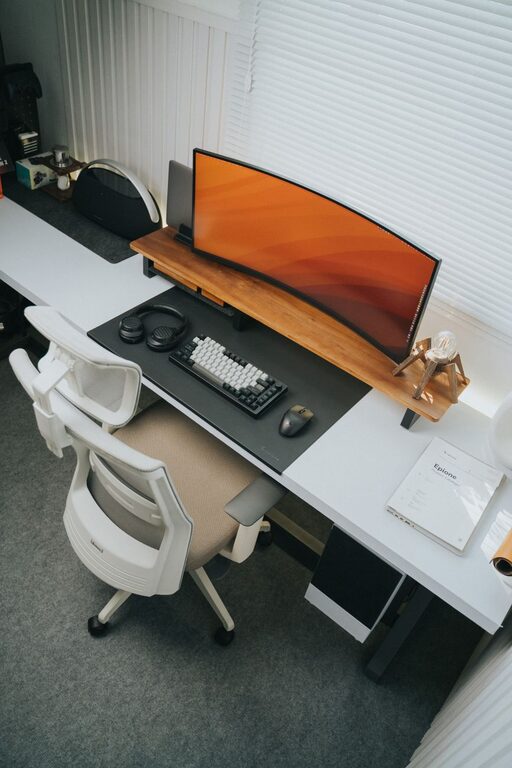
– Use a cable management system: Keep cords organized and out of the way to avoid tangles.
Step 5: Incorporate Technology Wisely
Technology plays a big role in most home workspaces. To keep tech clutter in check:
– Choose wireless devices: Reduce cable clutter with wireless keyboards, mice, and headphones.
– Use a charging station: Consolidate chargers into one area to keep cords tidy.
– Manage screen space: Depending on your tasks, invest in a second monitor or laptop stand for better ergonomics.
– Regularly update software: Keep your tools running smoothly for less frustration.
Step 6: Maintain Daily and Weekly Habits
Organizing your workspace is an ongoing process. Create routines to keep clutter from building up:
– Daily tidying: Spend 5 minutes at the end of each day putting things back in place.
– Weekly review: Go through papers, emails, and supplies weekly to keep things current.
– Limit new clutter: Be mindful about what you bring into the workspace, avoiding unnecessary items.
Step 7: Personalize With Purpose
While a minimalist approach works well, adding a few personal touches can make your workspace inviting:
– Plants: Small greenery can boost mood and air quality.
– Inspirational items: A photo, quote, or artwork can motivate you.
– Comfort items: Add a cozy cushion or a soft throw if you’ll be spending long hours there.
Just be careful not to overcrowd the space.
Bonus Tips for Staying Efficient
– Use a planner or digital calendar to manage tasks.
– Set specific work hours to create boundaries.
– Take regular breaks to reset focus and avoid burnout.
– Use light colors and good lighting for a bright, energized space.
—
Organizing your home workspace doesn’t have to be overwhelming. By following these simple steps and keeping good habits, you can create a clutter-free area that helps you work smarter and feel more comfortable. Whether you’re working remotely, studying, or managing household tasks, a well-organized workspace is a valuable asset for your success.
About the Author