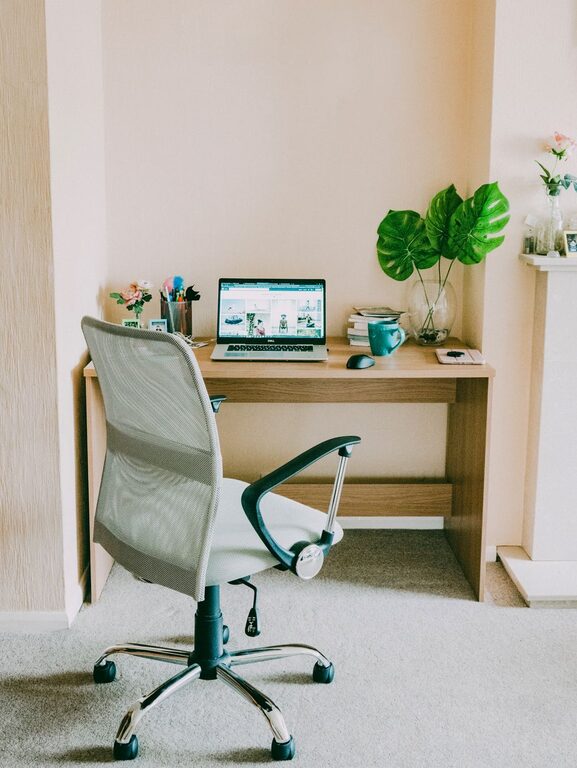
Creating a productive home workspace can make a significant difference in how effectively you work and how comfortable you feel throughout the day. Whether you’re working remotely full-time or occasionally tackling tasks at home, setting up a dedicated area designed to boost focus and comfort is essential.
In this post, we’ll explore practical tips to help you design a workspace that encourages productivity, reduces distractions, and supports your well-being.
Choose the Right Location
Prioritize Natural Light
Natural light can improve mood, alertness, and overall productivity. Whenever possible, set up your workspace near a window to benefit from daylight. Position your desk so that light comes from the side, avoiding screen glare that can cause eye strain.
Find a Quiet Spot
Select a location with minimal distractions and noise. If space is limited, consider noise-canceling headphones or white noise machines to help focus. The more you can control your environment, the easier it will be to stay attentive.
Invest in Ergonomic Furniture
Comfortable Chair
An ergonomic chair that supports your lower back is crucial. Look for adjustable height and lumbar support to maintain good posture throughout the day. Sitting comfortably reduces fatigue and physical discomfort.
Functional Desk
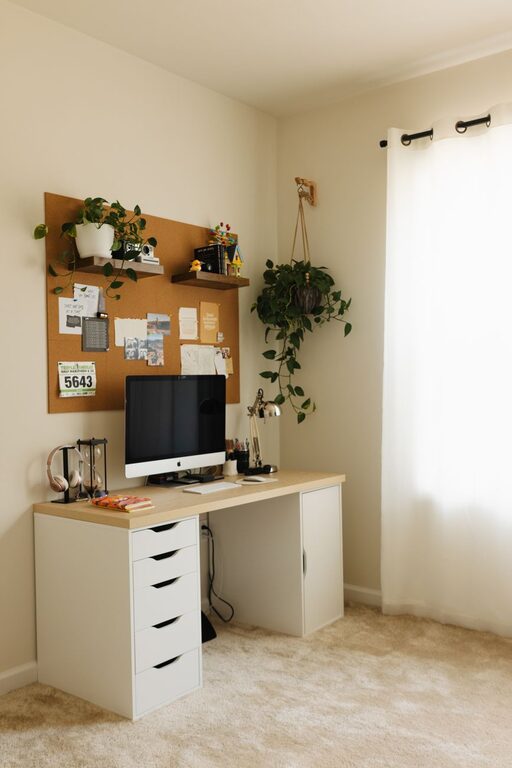
Choose a desk that fits your space and work style. It should be at a height that allows your arms to rest comfortably while typing, with enough surface space for your computer, notes, and any essential tools.
Consider Standing Options
If possible, a sit-stand desk can encourage movement and reduce the risks associated with prolonged sitting. Alternating between sitting and standing helps improve circulation and energy levels.
Organize Your Workspace Efficiently
Keep Essentials Within Reach
Arrange your most-used items—such as your computer, phone, notebook, and pens—within easy reach to reduce unnecessary movement and distractions.
Minimize Clutter
A tidy workspace promotes a clear mind. Use drawers, shelves, or organizers to keep paperwork and supplies out of sight but accessible. Regularly declutter to maintain order.
Use Cable Management
Tangled cords can be visually distracting and hazardous. Use clips, sleeves, or cable boxes to keep wires neat and out of the way.
Optimize Lighting
Balance Ambient and Task Lighting
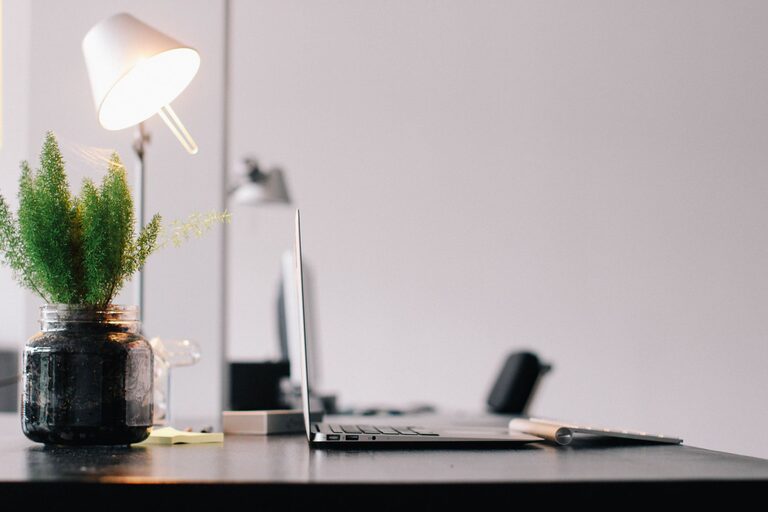
Combining general lighting with adjustable task lighting reduces eye strain and improves focus. A desk lamp with adjustable brightness can help illuminate your work area without harsh shadows.
Avoid Screen Glare
Position your monitor to avoid reflections from windows or lights. Anti-glare screen protectors can also be helpful if repositioning isn’t possible.
Personalize Your Space Mindfully
Add Inspiring Elements
Include items that motivate you—such as plants, artwork, or meaningful photos. Plants, in particular, can reduce stress and increase productivity by adding a touch of nature.
Keep It Simple
While personalization is important, avoid overcrowding your workspace with distractions. Aim for a balance that inspires without overwhelming.
Set Boundaries and Routines
Define Work Hours
Clearly set your work schedule to separate professional time from personal time. Use visual cues, such as closing your laptop or turning off your workspace light, to signal the end of your workday.
Limit Interruptions
Communicate your working hours to family or housemates and create signals to indicate when you should not be disturbed. Establishing boundaries helps protect your focus.
Take Regular Breaks
Use techniques like the Pomodoro method—working for 25 minutes, then taking a 5-minute break—to sustain concentration and avoid burnout. Stretch, hydrate, and move around during breaks.
Optimize Technology and Tools
Use Reliable Equipment
Ensure your computer, internet connection, and peripherals are dependable to avoid technical frustrations that disrupt productivity.
Organize Digital Files
Implement a clear digital filing system to save time when accessing documents and reduce stress over misplaced files.
Utilize Productivity Apps
Consider using to-do lists, calendar reminders, or focus apps to plan your day and manage tasks efficiently.
Maintain Healthy Habits
Practice Good Posture
Be mindful of your posture throughout the day. Adjust your chair and monitor height to keep your spine aligned and reduce strain on your neck and shoulders.
Stay Hydrated and Nourished
Keep water nearby and snack on healthy options to maintain energy. Avoid heavy meals that can cause sluggishness.
Incorporate Movement
Get up and stretch regularly to improve circulation and reduce muscle stiffness. Simple exercises or short walks can refresh your mind and body.
—
Creating an effective home workspace is a personalized process. By selecting the right location, investing in ergonomic furniture, staying organized, and setting clear boundaries, you can build a workspace that supports productivity and comfort. Remember that small adjustments can have a big impact on your focus and well-being throughout the workday. With a little planning and care, your home office can become a favorite and efficient place to get work done.
About the Author