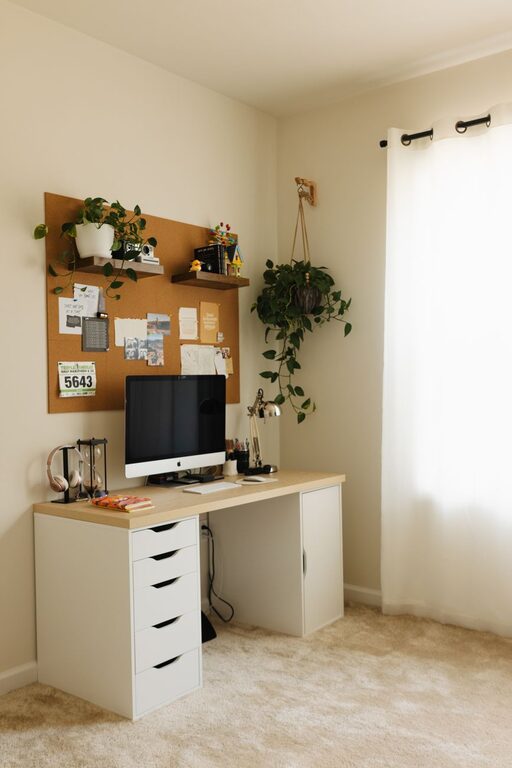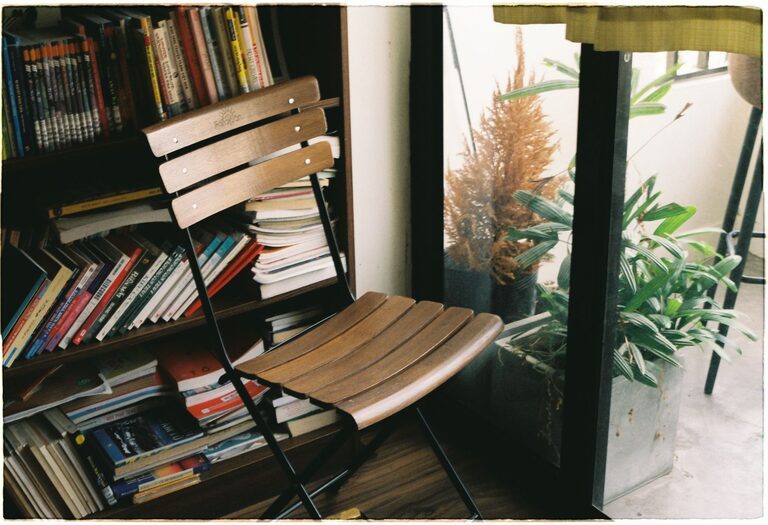
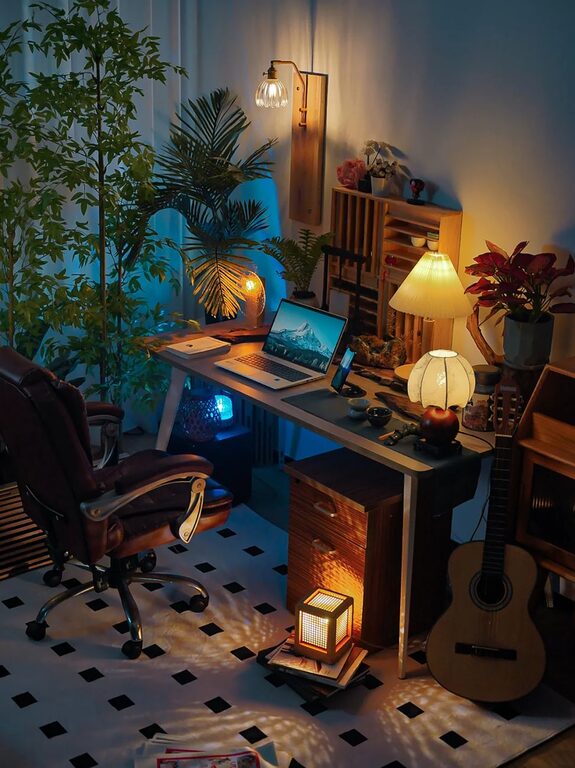
Creating a cozy and inviting home workspace is essential for anyone who spends a significant part of their day working from home. A thoughtfully designed workspace can boost productivity, reduce stress, and make working from home a more enjoyable experience. Whether you have a dedicated room or just a small corner, these tips will help you create a comfortable and inspiring environment.
Choose the Right Location
The first step is selecting the best spot in your home for your workspace. Ideally, it should be a quiet area with minimal distractions.
– Natural Light: Choose a space near a window to take advantage of natural light, which can improve mood and energy levels.
– Privacy: Look for a place where you can work without interruptions. If privacy is limited, consider using a room divider or noise-canceling headphones.
Invest in Comfortable Furniture
Comfort is key when it comes to a workspace where you’ll spend many hours.
– Ergonomic Chair: An adjustable, supportive chair helps maintain good posture and reduce back pain.
– Desk Space: Choose a desk with enough surface area for your computer, documents, and accessories.
– Standing Options: If possible, consider a sit-stand desk to change positions during the day.
Add Personal Touches
Personalizing your workspace makes it feel welcoming and motivating.
– Decor: Use artwork, photos, or inspirational quotes to brighten up the area.
– Plants: Adding greenery can improve air quality and create a calming atmosphere.
– Colors: Choose colors that you find soothing or energizing, such as soft blues or warm earth tones.
Keep It Organized
A clutter-free space promotes focus and reduces stress.
– Storage Solutions: Use shelves, drawers, or organizers to keep supplies and paperwork neatly stored.
– Cable Management: Hide or organize cables to avoid a messy look.
– Daily Routine: Spend a few minutes at the end of each day tidying up your workspace.
Improve Lighting
Good lighting is vital for comfort and productivity.
– Ambient Lighting: Use overhead lights that provide even illumination throughout the room.
– Task Lighting: Desk lamps with adjustable brightness help prevent eye strain during reading or detailed work.
– Avoid Glare: Position your computer screen to reduce glare from windows or lights.
Optimize Technology Setup
Ensure that your workspace supports your technical needs effectively.
– Reliable Internet: A strong Wi-Fi signal or Ethernet connection is important for uninterrupted work.
– Monitor Setup: Using one or two monitors can increase productivity and reduce neck strain.
– Accessories: Invest in quality keyboards, mice, and headphones that enhance your experience.
Incorporate Comfort Elements
Adding layers of comfort makes your workspace inviting.
– Soft Textiles: Cushions, rugs, or a cozy throw can make the area feel warmer.
– Temperature Control: Use a small fan, heater, or humidifier depending on your needs.
– Break Space: If possible, include a comfy chair or small nook to take short, rejuvenating breaks.
Establish Boundaries
Creating mental and physical boundaries helps to separate work from personal life.
– Work Hours: Set clear start and end times to your workday.
– Signage or Signal: Use a “do not disturb” sign or signal to family members during work hours.
– Separate Space: Avoid working from your bed or areas meant for relaxation.
Maintain Regular Refreshments
Staying hydrated and energized improves focus.
– Water Station: Keep a water bottle or glass nearby.
– Healthy Snacks: Stock light, nourishing snacks to avoid energy dips.
– Coffee or Tea Setup: Having your favorite beverage nearby can be a small but meaningful comfort.
Final Thoughts
Designing a cozy and inviting home workspace does not require a large budget or space. By focusing on comfort, organization, and personalization, you can create an environment that supports your work and well-being. Take time to adjust and adapt your space as your needs change, making it a place where you look forward to spending your day.
About the Author