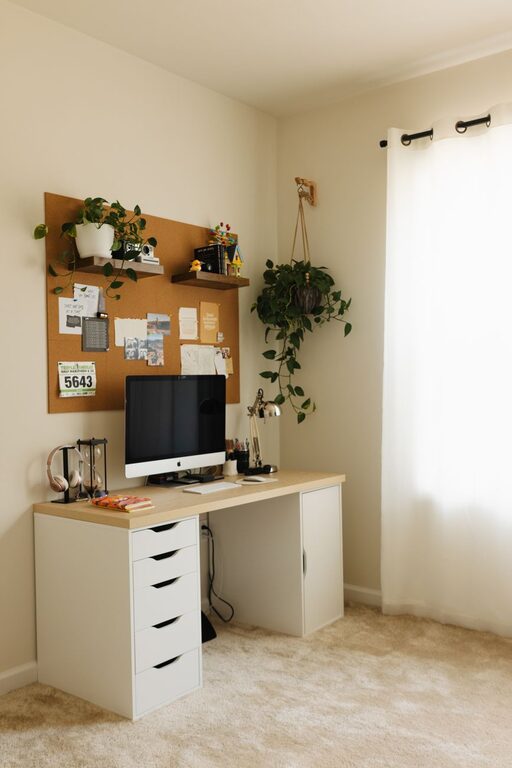
Creating a well-organized home office is one of the best ways to improve your productivity. When your workspace is tidy and thoughtfully arranged, it helps reduce distractions and allows you to focus better on tasks. Whether you work from home full-time or just need a quiet spot for managing personal projects, these simple tips will help you create an efficient and inviting work environment.
Why Organizing Your Home Office Matters
A cluttered and disorganized workspace can have a negative impact on your concentration and motivation. When everything is scattered, it takes longer to find what you need, and the mess itself can cause stress. On the other hand, an organized home office promotes a sense of control and calm, which can boost your overall work performance.
Assess Your Current Setup
Before diving into reorganization, take some time to evaluate your existing workspace:
– What items are essential for your daily tasks?
– Which supplies or equipment rarely get used?
– Are there any distractions or clutter sources that affect your focus?
Knowing what works and what doesn’t will help you create a plan for improvement.
Declutter and Simplify
Less is more when it comes to productivity. Start by removing unnecessary items:
– Sort through papers, office supplies, and gadgets.
– Recycle or shred outdated documents.
– Donate or store items that aren’t used frequently.
– Keep only what you need within arm’s reach.
This will free up valuable space and make your desk a more pleasant place to work.
Designate Zones for Different Tasks
Creating specific areas for different activities can help you stay organized and efficient. Depending on the size of your home office, consider:
– Work Zone: Your main desk area with computer, keyboard, and daily essentials.
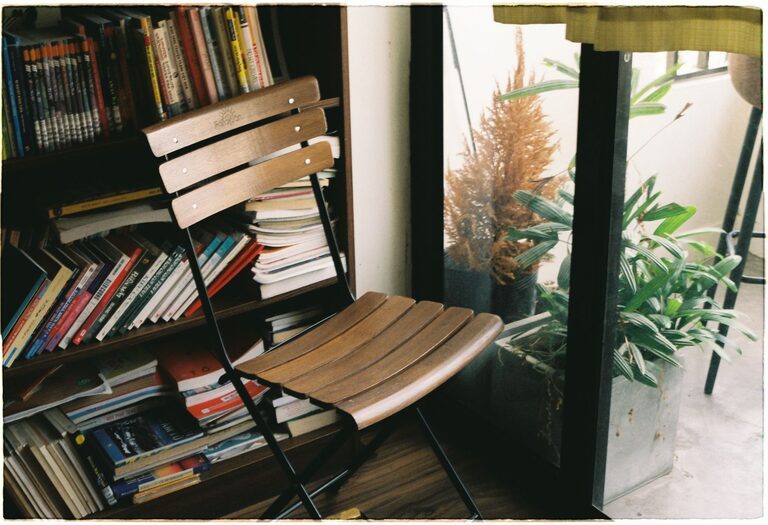
– Reference Zone: Shelves or filing cabinets for books, manuals, and documents.
– Supply Zone: Drawer or container for office supplies like pens, paper, and chargers.
Having clear zones helps reduce time spent looking for things and keeps your workspace orderly.
Invest in Practical Storage Solutions
Good storage makes staying organized easier:
– Use drawer dividers to separate office supplies.
– Add shelves or wall organizers to save desk space.
– Label boxes, files, and folders for quick identification.
– Consider using clear containers for smaller items.
The right storage options adapt to your workflow and keep everything accessible.
Manage Cables and Electronics
Wires and chargers can quickly create a tangled mess. To manage cables effectively:
– Use cable clips or ties to bundle cords.
– Route cables along the back of your desk or walls.
– Employ a charging station to keep devices in one spot.
– Regularly unplug devices not in use to reduce clutter and save energy.
Keeping cables under control not only improves appearance but also makes cleaning easier.
Optimize Lighting and Ergonomics
A well-lit and comfortable workspace can boost productivity and reduce fatigue:
– Use natural light when possible or position your desk near a window.
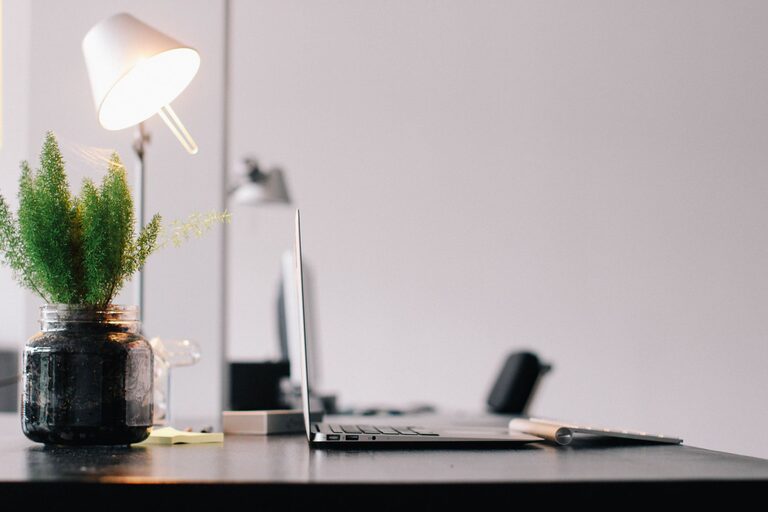
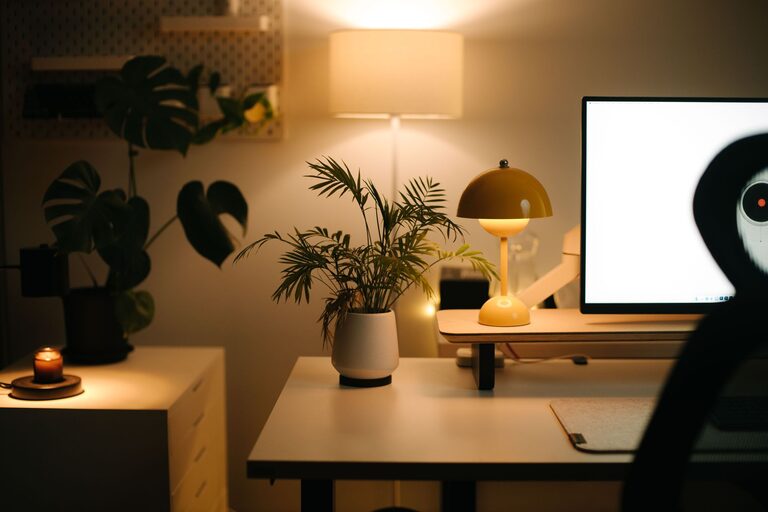
– Add a desk lamp with adjustable brightness for focused tasks.
– Choose a comfortable chair that supports good posture.
– Arrange your monitor at eye level to prevent neck strain.
Taking care of lighting and ergonomics supports long periods of work without discomfort.
Maintain a Daily Tidy-Up Routine
The key to sustained organization is regular upkeep. Spend a few minutes at the end of each day to:
– Clear your desk of unnecessary items.
– File or organize papers from the day.
– Put stationery and tools back in designated spots.
– Plan tasks for the next day.
This daily habit keeps your workspace inviting and ready for work every morning.
Personalize Your Workspace Thoughtfully
Adding personal touches can make your home office feel welcoming:
– Incorporate plants to improve air quality and add freshness.
– Hang artwork or inspirational quotes that motivate you.
– Use a comfortable mousepad or wrist rest.
Be careful not to overdo it—too many decorations can create distractions.
Embrace Digital Organization
Physical organization works best when paired with digital order:
– Keep your desktop and folders tidy by regularly deleting or archiving unneeded files.
– Use apps or tools for task management and note-taking.
– Back up important files to cloud storage.
A streamlined digital workspace complements your physical setup and enhances productivity.
—
Organizing your home office doesn’t have to be overwhelming. By taking small, consistent steps—decluttering, creating zones, managing cables, and maintaining daily habits—you’ll create a space that supports focus and efficiency. Remember, the goal is to build a workspace that feels comfortable, functional, and inspiring to you. With these simple tips, you’re ready to transform your home office into a productivity powerhouse.
About the Author